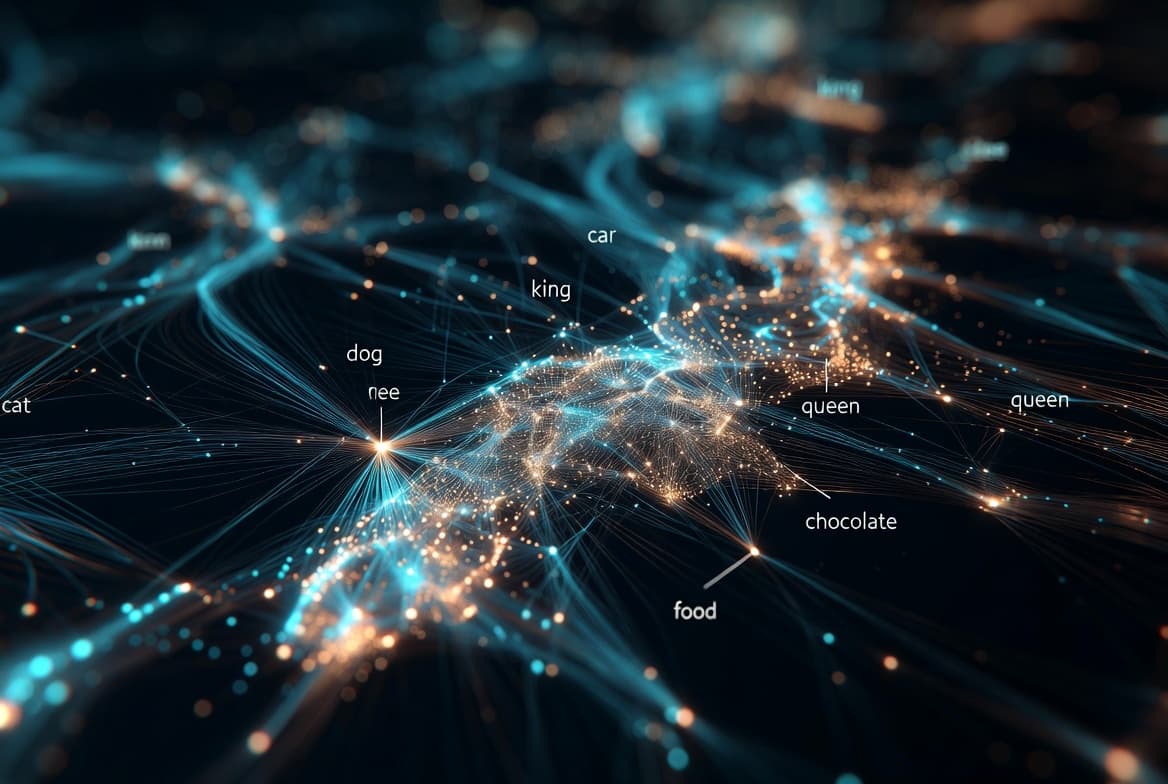
What is Semantic Search? From Keywords to Meaning
Learn how semantic search uses embeddings and vectors to find information by meaning, not just keywords—explained for engineers who know SQL.
"Traditional search finds what you typed. Semantic search finds what you meant."
The Problem: Your SQL Can't Understand Synonyms
Picture this: you're building a search feature for an e-commerce site. A customer types "cheap phone" into the search bar. You write the obvious query:
SELECT * FROM products
WHERE description LIKE '%cheap phone%';
It works. Kind of.
But here's what your query misses:
- "Affordable smartphone under $200"
- "Budget-friendly mobile device"
- "Low-cost Android cellphone"
- "Inexpensive handset for students"
Every single one of these is exactly what the customer wanted. But because none of them contain the exact substring "cheap phone", your SQL query returns nothing.
This is the fundamental limitation of keyword search: computers see strings, not meaning.
The Vocabulary Mismatch Problem
This isn't just a theoretical issue. It's called the vocabulary mismatch problem, and it plagues every keyword-based search system.
What the user types | What they actually want | Does keyword search find it? |
|---|---|---|
"cheap phone" | "budget smartphone" | No |
"automobile repair" | "car mechanic" | No |
"physician near me" | "doctor's office" | No |
"how to fix a leaky faucet" | "plumbing repair guide" | Maybe partially |
"laptop won't turn on" | "computer power issues troubleshooting" | No |
The pattern is clear: humans use different words to express the same concept.
In database terms, you're doing lexical matching (comparing character sequences) when what you actually need is semantic matching (comparing meanings).
You could try to solve this with:
- Synonym tables (expensive to maintain, never complete)
- Stemming/lemmatization (helps a bit, but "car" and "automobile" don't share a stem)
- Fuzzy matching (finds typos, not synonyms)
None of these solutions get to the heart of the problem.
Enter Semantic Search: Matching by Meaning
Semantic search flips the script entirely. Instead of asking "do these strings match?", it asks "do these concepts mean the same thing?"
Here's the one-sentence definition:
Semantic search finds documents that are conceptually similar to your query, even if they share no words in common.
How is this possible? The answer lies in embeddings—the same technology that powers how LLMs understand language.
If you haven't read it yet, our article on embeddings explains how text gets converted into numerical vectors where similar meanings end up geometrically close together. Semantic search is simply the practical application of that idea.
Think of it this way:
- Keyword search: "Do these two strings have overlapping characters?"
- Semantic search: "Are these two concepts neighbors in meaning space?"
How Semantic Search Actually Works
Let's break down the mechanics. There are two phases: indexing (done once) and querying (done per search).
Phase 1: Indexing (Building the Search Index)
Your documents
      ↓
┌─────────────────┐
│ Embedding Model │
└─────────────────┘
      ↓
Vectors (arrays of numbers)
      ↓
┌─────────────────┐
│ Vector Database │
└─────────────────┘- Take each document (or chunk of a document)
- Pass it through an embedding model (like OpenAI's
text-embedding-3-smallor open-source alternatives likebge-large) - Get back a vector—typically 384 to 3072 numbers that represent the document's meaning
- Store that vector in a vector database (Pinecone, Weaviate, Qdrant, pgvector, etc.)
Phase 2: Querying (Searching)
User's search query
      ↓
┌─────────────────┐
│ Same Embedding  │
│     Model       │
└─────────────────┘
      ↓
Query vector
      ↓
┌─────────────────┐
│ Vector Database │
│ "Find nearest   │
│  neighbors"     │
└─────────────────┘
      ↓
Top K most similar documents- Take the user's query ("cheap phone")
- Pass it through the same embedding model used for indexing
- Get back a query vector
- Ask the vector database: "Which stored vectors are closest to this query vector?"
- Return the top K results, ranked by similarity
Critical insight: You must use the same embedding model for both indexing and querying. Different models create different "coordinate systems" for meaning—mixing them is like using GPS coordinates from two different planets.
Vector Similarity: What Does "Close" Mean?
When we say two vectors are "close" or "similar", we're usually talking about cosine similarity.
Here's the intuition without the math:
Imagine each vector as an arrow pointing in some direction in a high-dimensional space. Cosine similarity measures how much two arrows point in the same direction, ignoring their length.
- Two arrows pointing the exact same direction → similarity = 1.0 (identical meaning)
- Two arrows pointing perpendicular → similarity = 0.0 (unrelated)
- Two arrows pointing opposite directions → similarity = -1.0 (opposite meaning)
Example similarity scores:
Query | Document | Cosine Similarity |
|---|---|---|
"cheap phone" | "budget smartphone deals" | 0.89 |
"cheap phone" | "affordable mobile device" | 0.85 |
"cheap phone" | "expensive luxury watch" | 0.23 |
"cheap phone" | "quantum physics lecture" | 0.12 |
The embedding model has learned that "cheap phone", "budget smartphone", and "affordable mobile device" all occupy similar regions in meaning space—even though they share almost no words.
Side-by-Side: Keyword Search vs Semantic Search
Aspect | Keyword Search | Semantic Search |
|---|---|---|
Matches based on | Exact word overlap | Conceptual similarity |
"cheap phone" finds | Only "cheap phone" | "budget smartphone", "affordable mobile" |
Handles synonyms | No (needs manual mapping) | Yes (learned automatically) |
Handles typos | With fuzzy matching only | Somewhat (embeddings are robust) |
Speed | Very fast (inverted index) | Fast (approximate nearest neighbor) |
Storage | Text index | Vector index + original text |
Setup complexity | Low | Medium (need embedding model) |
Best for | Exact matches, IDs, codes | Natural language queries |
Neither approach is universally better. They solve different problems.
Real-World Example: Documentation Search
Let's make this concrete. You're an engineer searching your company's internal documentation.
Query: "how to reset my password"
What Keyword Search Returns:
- ✅ "Password Reset Guide" (contains "password" and "reset")
- ❌ Misses: "Credential Recovery Process"
- ❌ Misses: "Account Access Restoration"
- ❌ Misses: "Forgot Your Login? Here's What to Do"
What Semantic Search Returns:
- ✅ "Password Reset Guide"
- ✅ "Credential Recovery Process"
- ✅ "Account Access Restoration"
- ✅ "Forgot Your Login? Here's What to Do"
- ✅ "Two-Factor Authentication Bypass for Locked Accounts"
The semantic search understands that all of these documents are relevant to someone who can't access their account, even though they use completely different vocabulary.
When Keyword Search Still Wins
Semantic search isn't always the answer. Here's when traditional keyword/full-text search is still the better choice:
1. Exact Identifiers
- Product SKUs:
SKU-12847-B - Error codes:
ERR_CONNECTION_REFUSED - UUIDs, order numbers, ticket IDs
Embedding models might map "SKU-12847-B" and "SKU-12848-B" to similar vectors because they look similar. But they're completely different products. Keyword search gives you exact matches.
2. Proper Nouns and Names
- Company names: "Anthropic" vs "OpenAI"
- People: "John Smith" vs "Jane Smith"
Embedding models sometimes treat proper nouns as interchangeable if they appear in similar contexts.
3. When Precision > Recall
Sometimes you only want documents that definitely contain specific terms—like legal searches for exact contract language or compliance audits.
4. The Hybrid Approach
The best production systems often combine both:
- Use semantic search to find conceptually relevant documents
- Use keyword filters to ensure specific terms are present
- Combine scores for final ranking
This gives you the best of both worlds.
The RAG Connection
If you've heard of Retrieval-Augmented Generation (RAG), semantic search is the "R" in RAG.
Here's the pattern:
- User asks a question
- Semantic search finds relevant documents from your knowledge base
- Those documents are stuffed into the LLM's context
- The LLM generates an answer grounded in your actual data
Without semantic search, RAG would be limited to finding documents that happen to use the same words as the user's question. With semantic search, RAG can find relevant context even when the user phrases their question differently than your documentation.
Our RAG guide dives deeper into building these systems.
Quick Recap
Stage | What Happens | Output |
|---|---|---|
Embedding | Text → Embedding Model | Vector (e.g., 768 floats) |
Indexing | Vectors → Vector Database | Searchable index |
Querying | Query → Same Model → Find nearest | Ranked results by similarity |
The magic of semantic search comes from embeddings—numerical representations of meaning that let us treat "conceptual similarity" as a geometric distance calculation.
What's Next?
Now that you understand semantic search, you're ready to explore:
- How RAG Works: See semantic search in action as part of a complete LLM application
- Understanding Embeddings: Dive deeper into how text becomes vectors
- Vector Databases: The specialized storage systems that make semantic search fast at scale
The shift from "find matching words" to "find matching meanings" is one of the most important transitions in how we build search systems. And now you understand exactly how it works.